


Remote Interview Checklist for Job Seekers in 2026

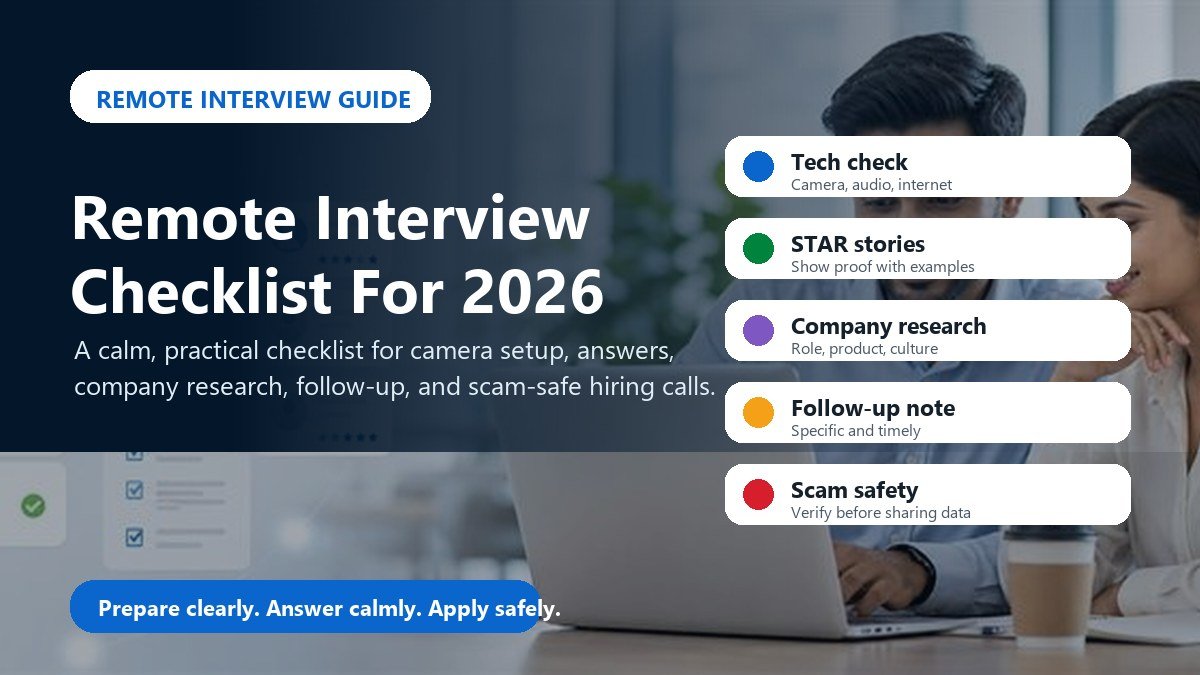

Remote interviews are now normal for customer support, technology, design, marketing, finance, administration, sales, and international hiring. They save travel time, but they also make first impressions faster. A weak internet connection, poor audio, distracted background, or unclear answer can make a good candidate look unprepared.
This checklist is written for job seekers who want to look professional on Zoom, Google Meet, Microsoft Teams, or any employer video call in 2026. Use it before every remote interview, whether you are applying for a local job, a remote role, or an overseas opportunity through Hirings Online.
1. Test your technology before interview day
Check your camera, microphone, speaker, laptop charger, internet speed, browser permissions, and meeting link at least one day before the interview. CareerOneStop recommends being tech-ready for virtual interviews by checking your computer, camera, microphone, and the employer video platform.
Use a professional display name, close heavy apps, silence notifications, and keep a backup internet option if possible. If your phone is the backup device, charge it and install the meeting app before the interview starts.
2. Prepare your room like a small office
Choose a quiet space with light facing you, not behind you. Keep the background clean and simple. Put your camera at eye level so you are not looking down at the interviewer. Keep water, notebook, pen, resume, job description, and portfolio links nearby.
Dress for the role and company culture. You do not need expensive clothing, but you should look neat, alert, and ready to work. Small details matter because the interviewer sees only a limited picture of you.
3. Build three STAR stories before the call
Prepare three short stories: one about solving a problem, one about working with a team, and one about learning or improving something. Use the STAR format: Situation, Task, Action, Result. Keep each story under two minutes unless the interviewer asks for more detail.
The U.S. Department of Labor advises candidates to be ready to summarize experience in about 30 to 60 seconds and explain what they bring to the position. Your opening answer should be simple: who you are, what you do well, and why this role fits your experience.
4. Research the company and the exact job
Before the interview, read the job description again. Visit the employer website, check the product or service, understand the location or remote policy, and prepare two thoughtful questions. Good questions show that you are evaluating the role seriously, not just accepting anything.
Ask about daily responsibilities, success measures, training, schedule, reporting line, tools, and next steps. Avoid making salary your only question in the first conversation unless the recruiter introduces it.
5. Use notes without sounding scripted
It is fine to keep notes beside your screen. Write only keywords, not full paragraphs. If you read every answer, your voice will sound flat. A simple page with company facts, three STAR stories, your questions, and the recruiter name is enough.
If you need to look at a note, pause naturally and say, “I wrote down a couple of examples so I answer clearly.” That sounds prepared, not robotic.
6. Follow up within 24 hours
Send a short thank-you message within 24 hours. Mention one specific topic from the conversation, restate your interest, and offer to share any extra information. A strong follow-up does not beg for the job; it reminds the employer that you are organized and professional.
Example: “Thank you for speaking with me today about the customer support role. I enjoyed learning how your team handles onboarding and urgent tickets. My experience with written support and shift-based work fits the role well, and I would be happy to share references or samples if helpful.”
7. Stay alert for fake remote interviews
Remote hiring also creates scam risk. The FTC warns that scammers post fake job ads and may ask candidates to deposit a check, send money, buy equipment from a specific link, or share sensitive details too early. A legitimate employer should not ask you to pay to get hired.
Be careful if the interview is only through chat, the salary is unrealistically high, the employer avoids a real company email or website, or they ask for bank details before a written offer. Verify the employer before sharing personal documents.
Quick 30-minute remote interview checklist
Thirty minutes before the call, restart your device, open the meeting link, check camera and microphone, close unrelated tabs, put your phone on silent, review the job description, read your three STAR stories, and keep your resume visible.
Five minutes before the call, sit still, breathe slowly, and remind yourself of the goal: answer clearly, listen carefully, and show how your experience solves the employer’s problem. Remote interviews are not about being perfect. They are about being prepared, useful, and trustworthy.
Useful sources
This checklist uses interview preparation guidance from CareerOneStop virtual interviews, CareerOneStop interview preparation, the U.S. Department of Labor interview tips, and FTC job scam guidance.
Browse verified jobs on Hirings Online and use this checklist before your next employer call.
- Share This Job

Write A Comment
No Comments